
Reporting that lets you talk to your data
Build, filter, save and email reports on live data across candidates, coaching, experiences and jobs.
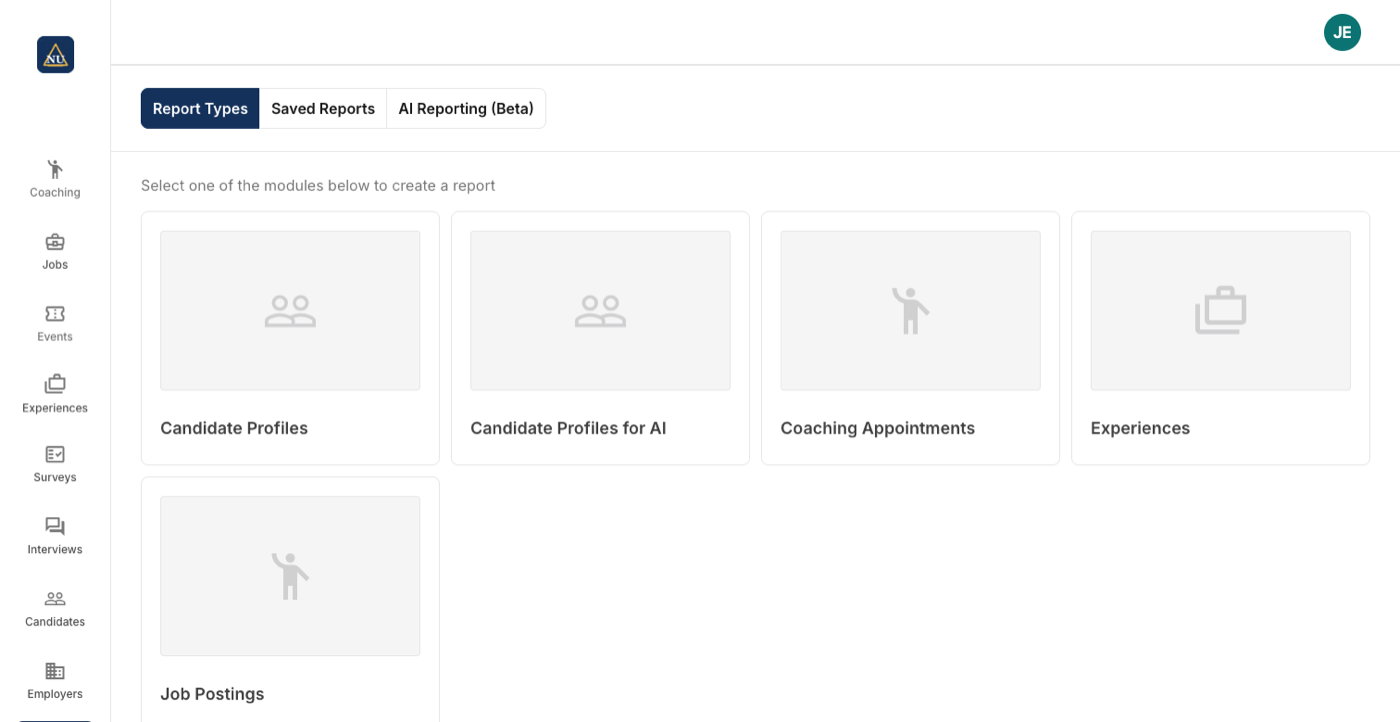
Reporting, start to finish
Fields, filters and pivots on live data
Candidates, coaching appointments, experiences and jobs, depending on the products you run. Pick fields, filter, pivot and run.
- Example reports: all seniors, daily coaching appointments, candidate status by date
- Derived fields such as annualized pay
- Download the raw data
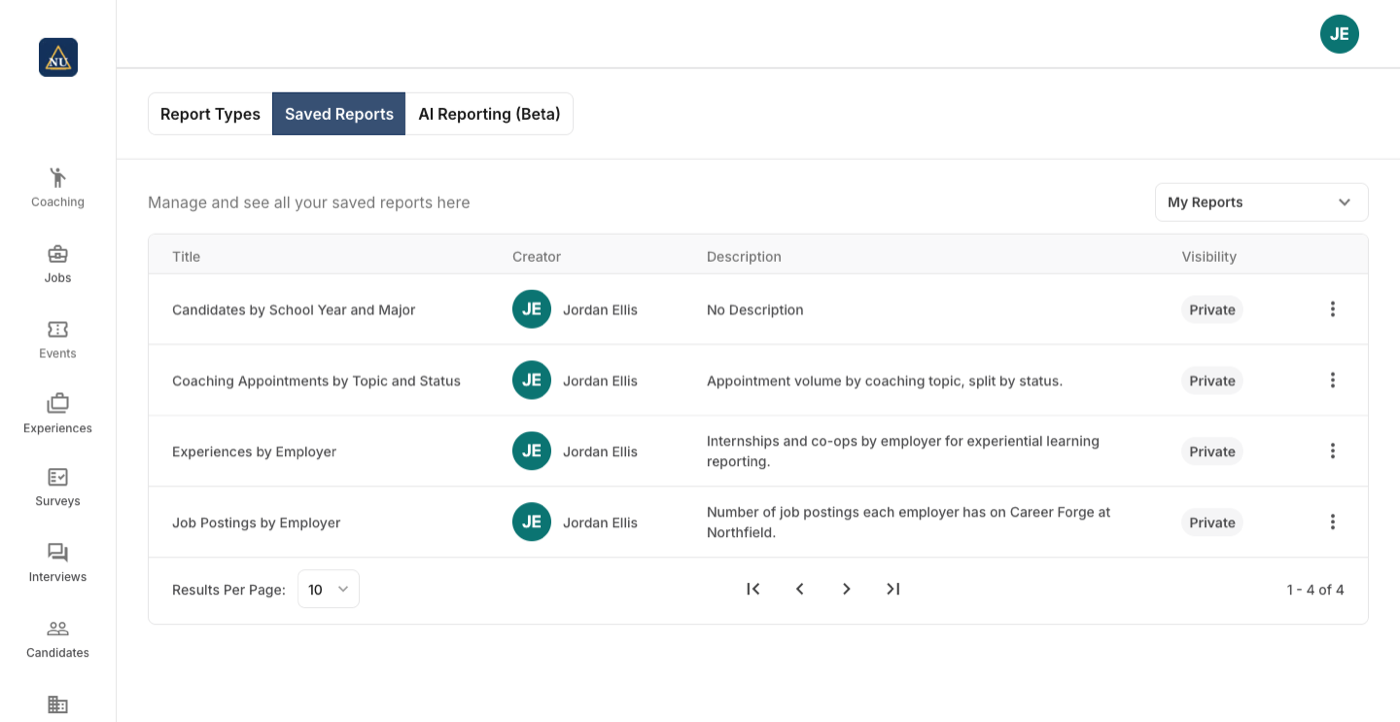
Save it, then email the people in it
A report saved as a Look lives in your folder or a group folder. From any saved report, send an email by mapping its columns to address and name, with merge fields.
- Saved reports for quick access to live data
- Group folders for a team
- AI-powered reporting
Set once, at the level it belongs to
Each career center on a campus runs its own reporting; what the institution shares is set once for all of them.
| Setting | Set where |
|---|---|
| What to report on: candidate profiles, coaching appointments, experiences or jobs, depending on the modules in use | Per report |
| Fields to show (dimensions), counts and calculations (measures), filters and pivots | Per report |
| Saved as a Look in your own folder or a group folder | Per report |
| An email to the people in a report: which columns are the address and the name, the subject and the body with merge terms | Per send |
Reporting next to Handshake, Symplicity and 12twenty
A report builder with filters and pivots, saved reports, email from a report, raw export.
| How it works there | |
|---|---|
| Handshake | Pre-built and customizable reports, scheduled reports. Source Full comparison |
| Symplicity | Unlimited reports, scheduled reports, custom dashboards, email analytics. Source Full comparison |
| 12twenty | Standard reports in one click; raw report data to Excel. Source Full comparison |
Statements about other products come from their own sites, linked in each row.








What Reporting does not make you do
Live data, not exports
A report runs against the data as it is right now. Save it once and open it on any day for that day's answer.
A report is also a mailing list
Any saved report with an email column can be sent an email, with the person's name merged in, straight from the reports page.
The fields mean what they say
Fields are consolidated across the experiences and jobs reports, and derived fields such as annualized pay are calculated for you.
Questions people ask about Reporting
Works with
See Reporting on your career center
A 30-minute walkthrough with the team that builds it.
