
For employers
One account at every career center on Career Forge
Career Forge is where a university career center runs its fairs, its job board and its interviews. If a school you recruit from uses it, this is what you can do there.
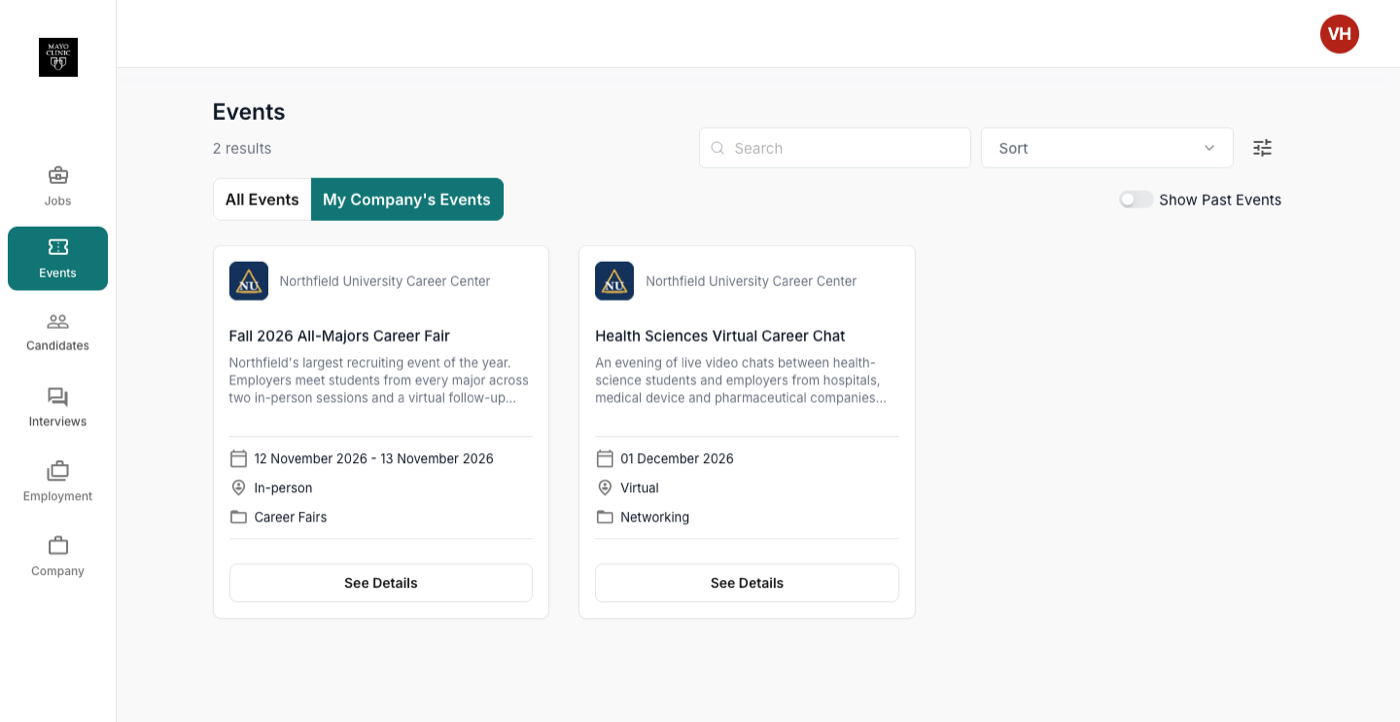
What you can do
Register, post, interview, check in
- Create one account and use it at every career center on Career Forge
- Register for career fairs: choose sessions, a package and add-ons, answer the school's questions, and pay by card or by the method the school offers
- See your registrations and find your invoice
- Post a job to one career center or several, and manage the applicants, sorted yes, no and maybe
- Set your availability for on-campus or virtual interviews and invite candidates
- Check in at the fair on the kiosk and get a badge, with representatives added on the day
- Add colleagues to your company's account and keep company details current
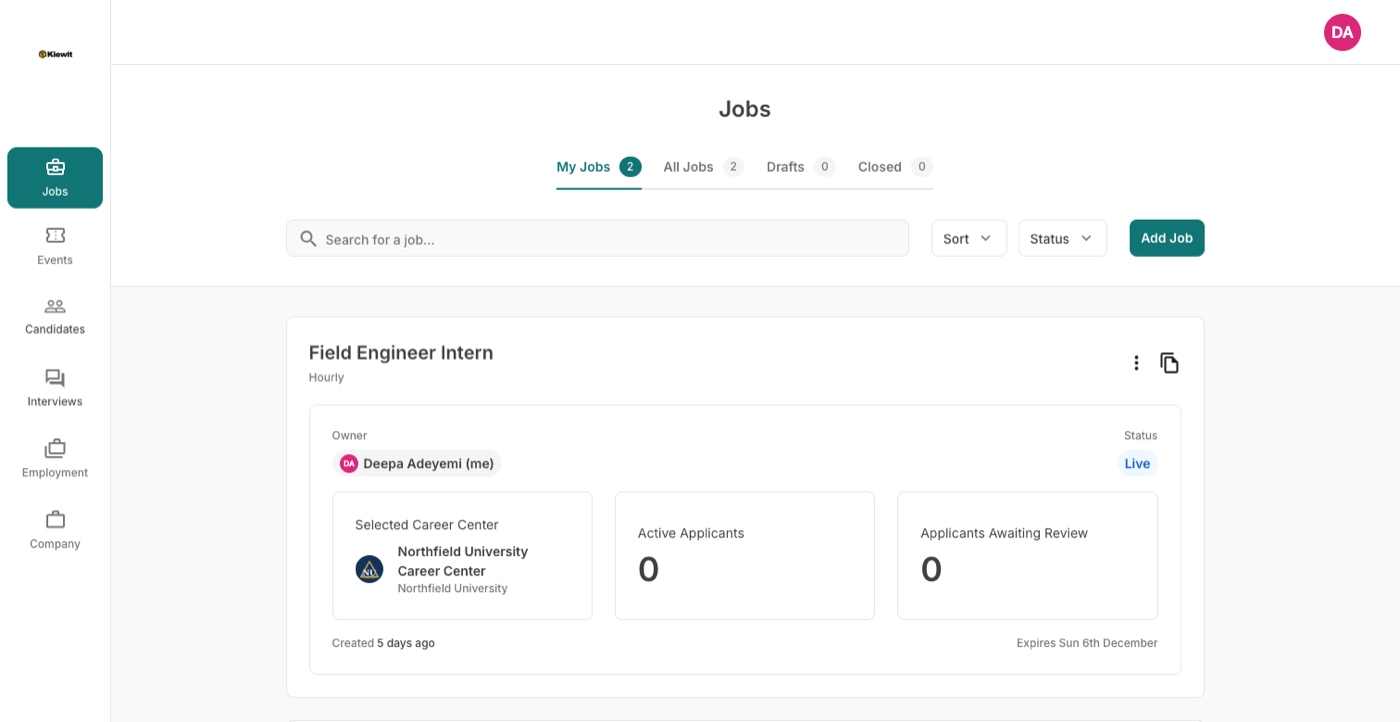
Postings and applicants
Post once, manage the applicants
A guided form covers the job, compensation, qualifications and how to apply. The career center reviews the posting; applicants arrive sorted and exportable.
Questions recruiters ask
No. One Career Forge account covers every career center on the platform. You register and post under the same account at each school you work with.
From the event's registration page, pick the session or sessions, a package and any add-ons, answer the career center's questions and pay. The career center approves the registration and you receive the confirmation and invoice by email.
The career center you posted to. It approves or denies with a reason, and can set your company to post without review once it knows you.
Under your event registrations. Invoices can be paid by card where the school takes cards, or by the method the school names on the invoice.
Add yourself from the kiosk under your company. If your company is not listed either, the career center adds it from the web in a moment.
Recruiting from a school on Career Forge?
Create your account once and use it everywhere.
